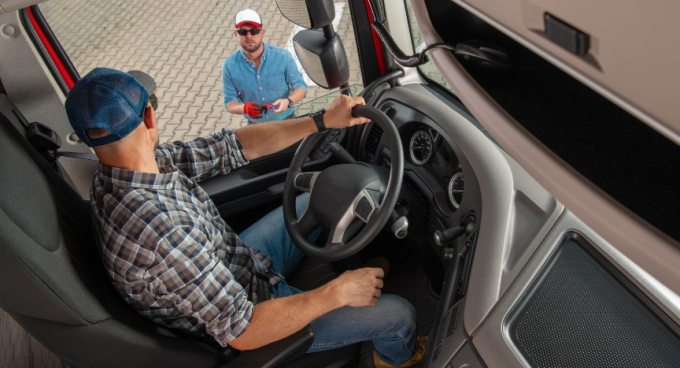

Today’s truck cabs blend technology and comfort, but the connections that improve the job can also expose drivers to digital security threats. Onboard WiFi, ELDs, telematics, and smartphones all hold pieces of your personal and professional life. Understanding how to protect that information should be routine for anyone behind the wheel.
Why Cybersecurity Should Matter to Drivers
Your truck isn’t just a vehicle—it’s a rolling office. Devices inside may store everything from your contact numbers and addresses to pay records and navigation history. One cyber-incident can lead to lost wages, stolen identities, or headaches that drag out for months. Effective protection is now as much a smart habit as daily safety checks.
Everyday Cybersecurity Threats in the Cab
- Unsecured WiFi Connections: Truck stop and public WiFi are convenient, but without protection, there’s real risk of data theft.
- Old Software: Skipping updates on navigation apps, phones, or your ELD can leave bigger openings for malware or hackers.
- Phishing Attempts: Scams in messages or emails may trick you into sharing passwords or downloading something dangerous.
- Lost or Stolen Devices: If your phone, tablet, or USB stick goes missing without a lock or encryption, your info could be in someone else’s hands.
Simple Ways to Keep Your Data Safer
- Pick strong passwords for every login, and skip recycling old ones. A password manager app helps keep everything organized and secure.
- Update devices and apps regularly—most have settings to do this automatically.
- Use your phone’s hotspot instead of public WiFi if you need to access sensitive info, or consider a virtual private network (VPN) to encrypt your traffic.
- Enable two-factor authentication wherever possible for an extra layer of security.
- Only plug in USB sticks or devices you know and trust, as some can be loaded with malware.
- Pause before you click on links or share details in emails or texts you weren’t expecting.
- Set your devices to auto-lock, and turn on encryption if available.
New Tech and Telematics
Fleet tools for tracking routes, fuel use, or vehicle issues rely on connected technology. Always follow your fleet or company’s cybersecurity guidelines, and let them know right away if you see anything off with your systems.
Staying Alert Pays Off
A few smart habits make a huge difference—using unique passwords, keeping software current, sticking to secure networks, and being wary of odd requests or links. A bit of caution helps keep your personal and work information protected while you’re on the go.